




How to Fix Your Engagement Photos If Something’s Gone Wrong
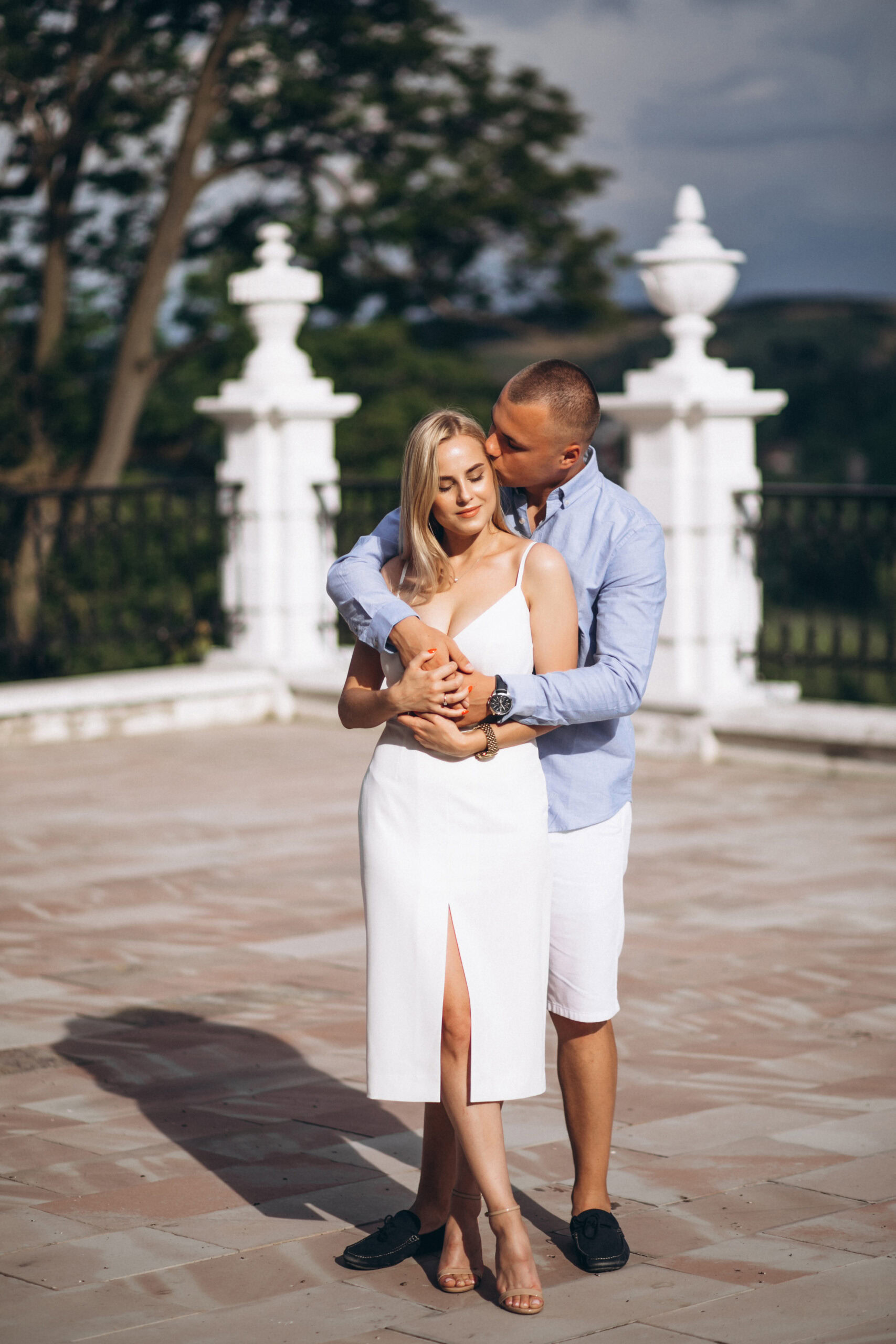
You’ve just had your engagement photos taken. The love, the lighting, the outfits—everything felt like it came straight out of a movie. Then you get the photos back, all excited to share them with your family and post them everywhere… only to notice a random stranger walking right through the background. Or maybe someone’s making a weird face behind you, or a group of tourists showed up at just the wrong time. It happens more often than you’d think! Even the best photographers can’t control public spaces, and let’s face it—some people have no chill when it comes to walking into the perfect shot.
But before you start panicking or thinking about redoing the whole shoot, take a deep breath. There’s good news: you don’t need to spend more money or go through the stress of doing it all over again. You can fix those photos, make them look stunning, and you don’t even need editing skills to do it. Wondering how to remove a person from a photo with ease? Want to enhance and stylize pictures without complicated Photoshop? Read on to discover a quick and easy way to edit your photos. Let’s jump right in!

Why You Don’t Need to Reshoot Your Engagement Photos
First off, reshooting means you have to find a new time that works for both of you, plus your photographer and makeup artist. That can be stressful, time-consuming, and costly.
Editing, on the other hand, lets you fix all the little things that went wrong in the photos. Want to add a smile to someone’s face? Done. Need to fix colors or change the background? Easy. Want to remove glare? No problem.
Or skip the retouching altogether — working with a documentary-style photographer like The Y.K. Studio, who shoots candidly across the San Francisco Bay Area, means your photos capture the real moment the first time.
AI-Powered Software for Easy Photo Editing
PhotoDiva is a photo editor designed with beginners in mind. It’s made to be simple but powerful, so even if you’ve never touched photo editing software before, you can still get great results. From standard features like brightness adjustment to advanced functions like retouching portraits and color correction, it provides you with all the essential tools. Here are some of the key features that make PhotoDiva a good choice for fixing your engagement photos:
Easy-to-use interface. The software is very easy to navigate, so you won’t get lost or overwhelmed.
Automatic face & body retouching. PhotoDiva’s AI facial recognition allows you to instantly enhance portraits. For instance, you can remove skin blemishes and wrinkles, whiten teeth naturally, and apply digital makeup—all automatically. You don’t have to spend hours tweaking every detail yourself. You can also edit the body parts if needed: make the legs longer, change a person’s height, enlarge the biceps, etc.
Background blur and removal. PhotoDiva lets you soften or blur backgrounds so the focus stays on you and your partner. You can also remove unwanted objects in no time.
Trendy effects. There are over 100 one-click filters for stylizing your pics in seconds.
6 Simple Steps to Enhance Engagement Photos—a Beginner’s Guide
Want to see PhotoDiva in practice? No problem! Here’s an easy step-by-step guide to fixing your engagement photos with this software.
Step 1. Launch PhotoDiva and Upload Your Photo
Go to the PhotoDiva website and download the free version. Install it, then open the program. Choose the engagement photo you want to fix and open it in PhotoDiva.
Step 2. Use the AI Retouching Tools
PhotoDiva detects faces automatically so you can effortlessly remove blemishes and redness, plump the lips, change the face width, and even reshape the eyebrows. All you need to do to adjust how strong these effects are is move the corresponding sliders.
Step 3. Change the Body Shape
Want to make the waist narrower or slim the legs? Need to enlarge some body parts? Simply use the sliders—no time-consuming selections required.
Step 4. Fix the Background
Is something wrong with the picture background? Want to remove a photobomber or a trash can? Then you might need to change or blur the background. Just paint over the foreground and background areas—PhotoDiva will do the rest.
Step 5. Add a Smile
If you want your smile to shine even more, navigate to the smile changer and drag the slider. This tool will help you subtly lift the corners of your mouth. Dreaming of a Hollywood smile? Then don’t hesitate to apply a one-click preset to whiten the teeth as well.
Step 6. Export Your Picture
Once you’re happy with your edits, hit Save and choose your preferred file format.
Perfect Photos, Perfect Memories: Summary
Your engagement photos should be a celebration of love, not a reminder of that one guy in a bucket hat who ruined your favorite shot. With just a few clicks, you can take your photos from “ugh” to “OMG, I love this.” You don’t have to settle for less than perfect, or spend a fortune to fix something that can be done in minutes.
PhotoDiva is here to help you make sure your memories look as magical as the moment you felt. Whether it’s weird lighting or a stranger’s face in the background, you’ve got the tools to fix it—all without needing any editing know-how.
Now it’s time to turn almost-perfect engagement photos into absolute stunners. Your love deserves to shine—and now, your photos can too.
Written by: Stacey Palmer